
Audience Targeting
Define who your TV campaigns reach
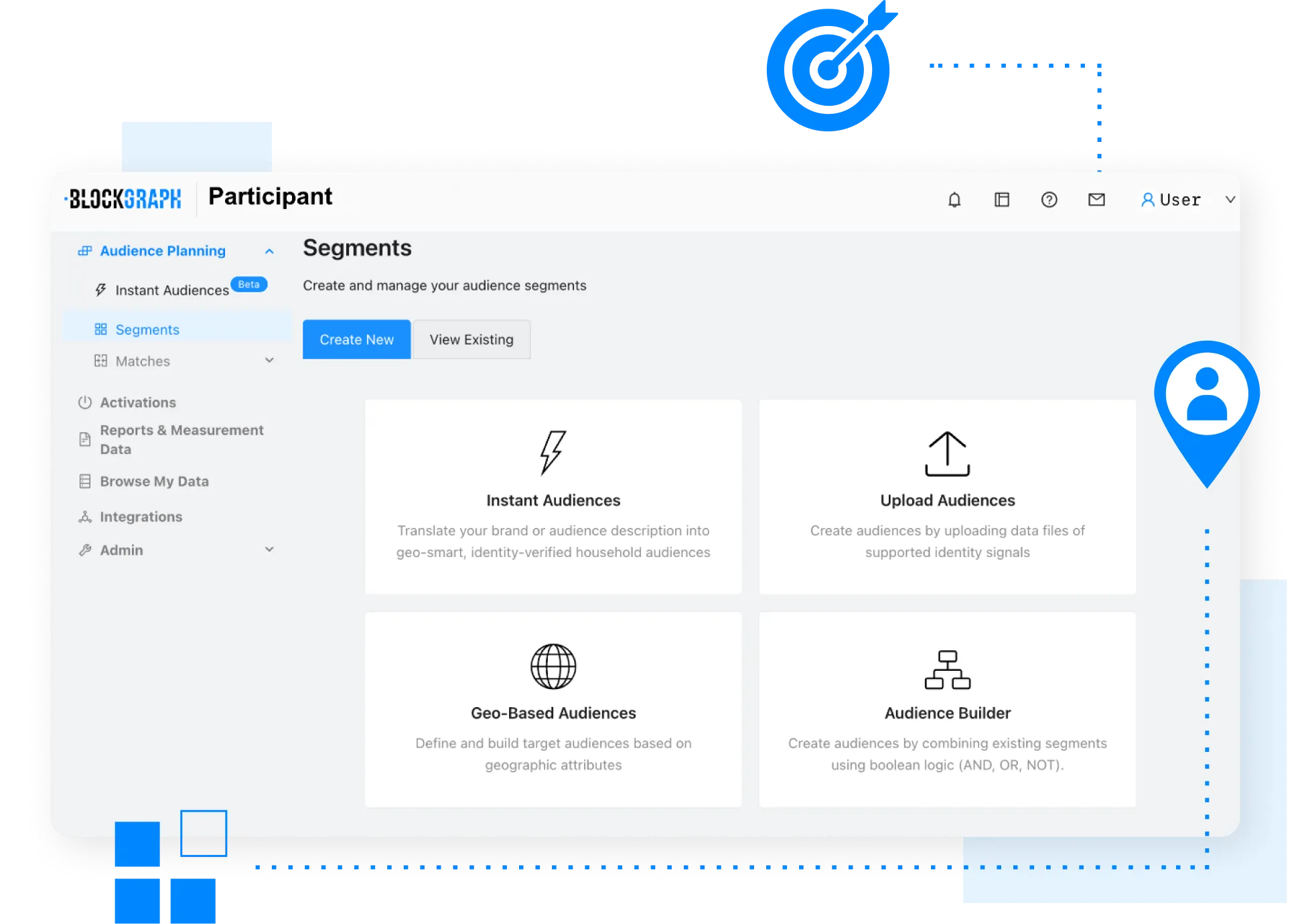
Build audiences using your customer data or the geographic areas that reflect how your business operates. Once defined, those audiences are ready for activation across premium TV partners.
Broad demographic buys miss local nuance. When you define who's included, your TV reflects your actual customers and the markets you serve.

What You Can Do
Build Audiences from Your Customer Data
Upload CRM, loyalty, or purchaser data and turn it into household TV audiences.
Define Audiences by Geography
Select states, cities, ZIP codes, ZIP+4 areas, or custom zones that reflect where you do business.
Focus on Business Footprints
Reach households nearest to your stores and service locations — where conversion is most likely.
Activate Across Premium TV Environments
Audiences go directly to participating distributors and publishers across the ecosystem, ready for delivery.
Working Within the Platform
Your customer data, custom geographic areas, and defined districts determine exactly which households are reached. Instead of broad or generic segments, audiences reflect the specific criteria that matter to your business. And because performance is measured against those same households, you can see what your targeting decisions actually drove.
Ready to Build Your First Audience?
Whether you start with customer data, a target geography, or a simple description — we'll show you how it works.